
Template
Spotlight Diagram
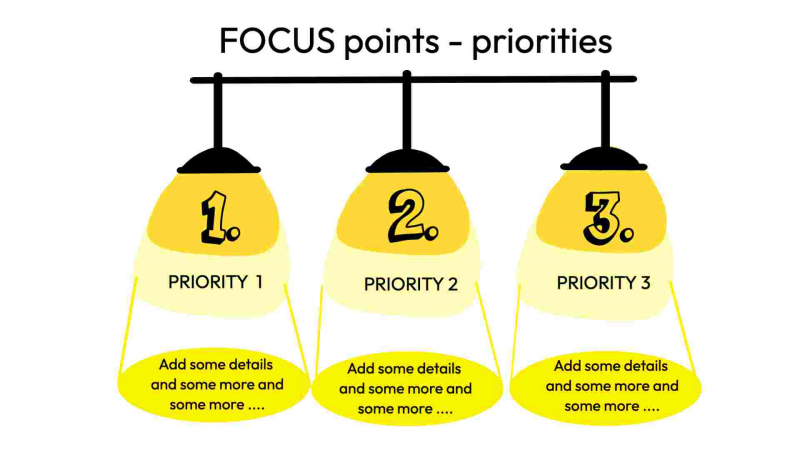
This template helps you to define priorities (e.g. of projects).
Tags in this template focus priorities priorities highlight
How to use this template
Spotlight Diagram is a visually appealing template that can be used to showcase different elements of a particular topic or idea. The template is simple to use, with various areas available to input text, images or graphics. To use the Spotlight Diagram template, begin by identifying the key ideas or concepts that need to be highlighted. Then, select a background colour that complements the theme or topic. Next, use the available shapes and text boxes to craft your message, using clear and concise language to convey your ideas. You can also add images or icons to make the diagram more engaging. Finally, review your work to make sure that it aligns with the theme or message of the content and adjust as needed. Overall, Spotlight Diagram is an excellent tool for creating appealing visual presentations that can capture and hold the attention of your audience.
Outcomes
Clear, shared understanding of the Spotlight Diagram template can lead to the following outcomes:
- Improved visualization of key aspects of a project or idea
- Increased collaboration and communication among team members
- Greater clarity and focus during presentations and meetings
- Enhanced decision-making and problem-solving skills
- Better alignment among project goals, strategies, and tactics
PRO TIP
Use contrasting colors to make the spotlight stand out and direct the audience's attention to the key point.
Customize the layout, content, and colors of this template, or swap elements for others to match your purpose.
Get visualisation tips every week
Subscribe to the Drawify Newsletter, and feed your creativity with visualisation tips and techniques, as well as the latest Drawify workshops, news and resources.