For consultants, facilitators & educators
Make your expertiseeasy to understand.
Turn notes, workshop outcomes and complex concepts into editable, hand-drawn visuals that help clients, learners and teams see the point.
Not another AI image generator.Drawify turns your ideas into editable, hand-drawn visual stories built to explain, teach and align people.
ChatGPT / AI image toolDrawify
Text or static imageEditable visual story
Generic outputProfessional hand-drawn artwork
Starts from a promptBuilt for workshops, lessons and client communication
4.8 / 5
on Miro Marketplace
Artwork by 120+ professional artists
dDrawify - Client onboarding
⌕Search templates: client onboarding
✓Template found: Onboarding journey
✦Starting text added from your brief
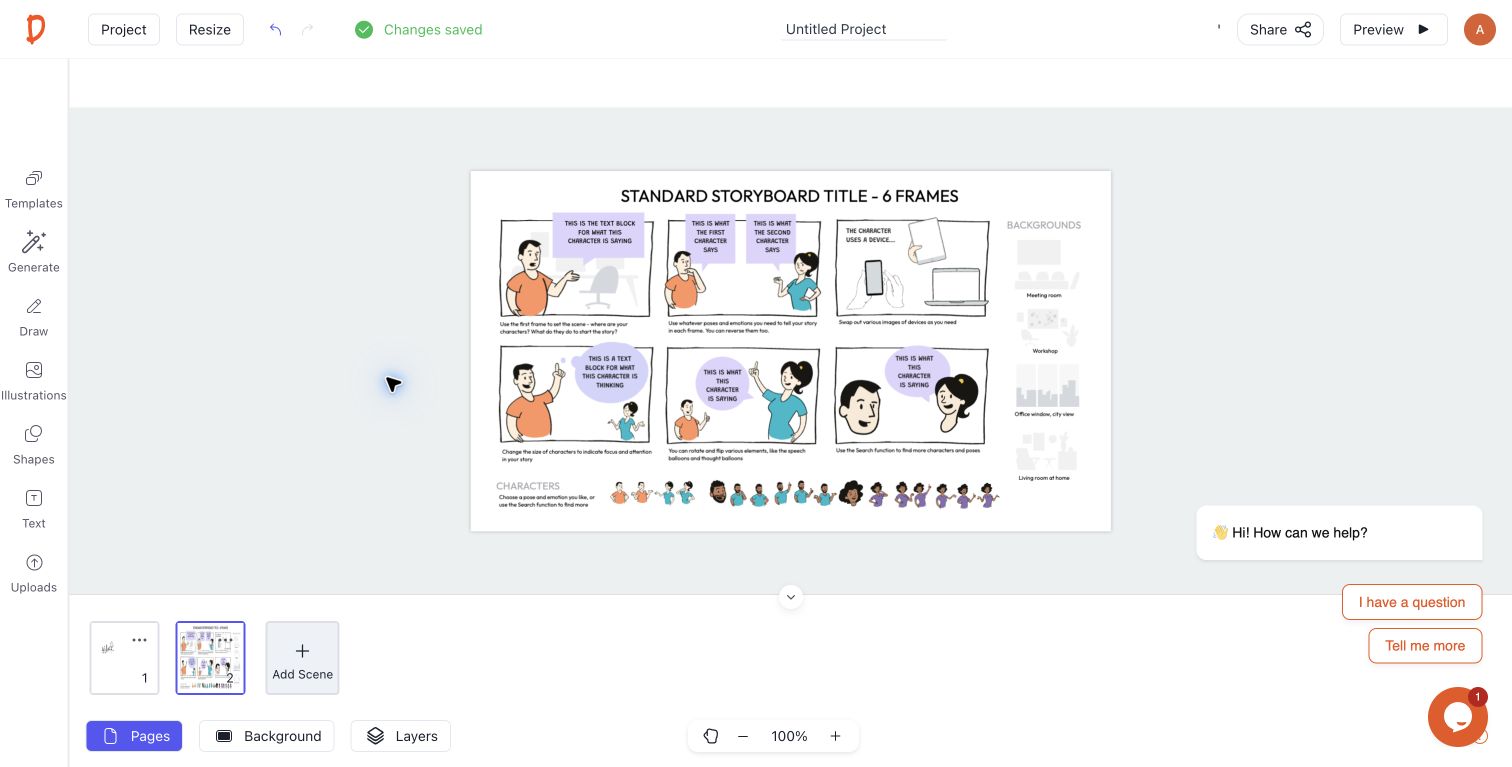
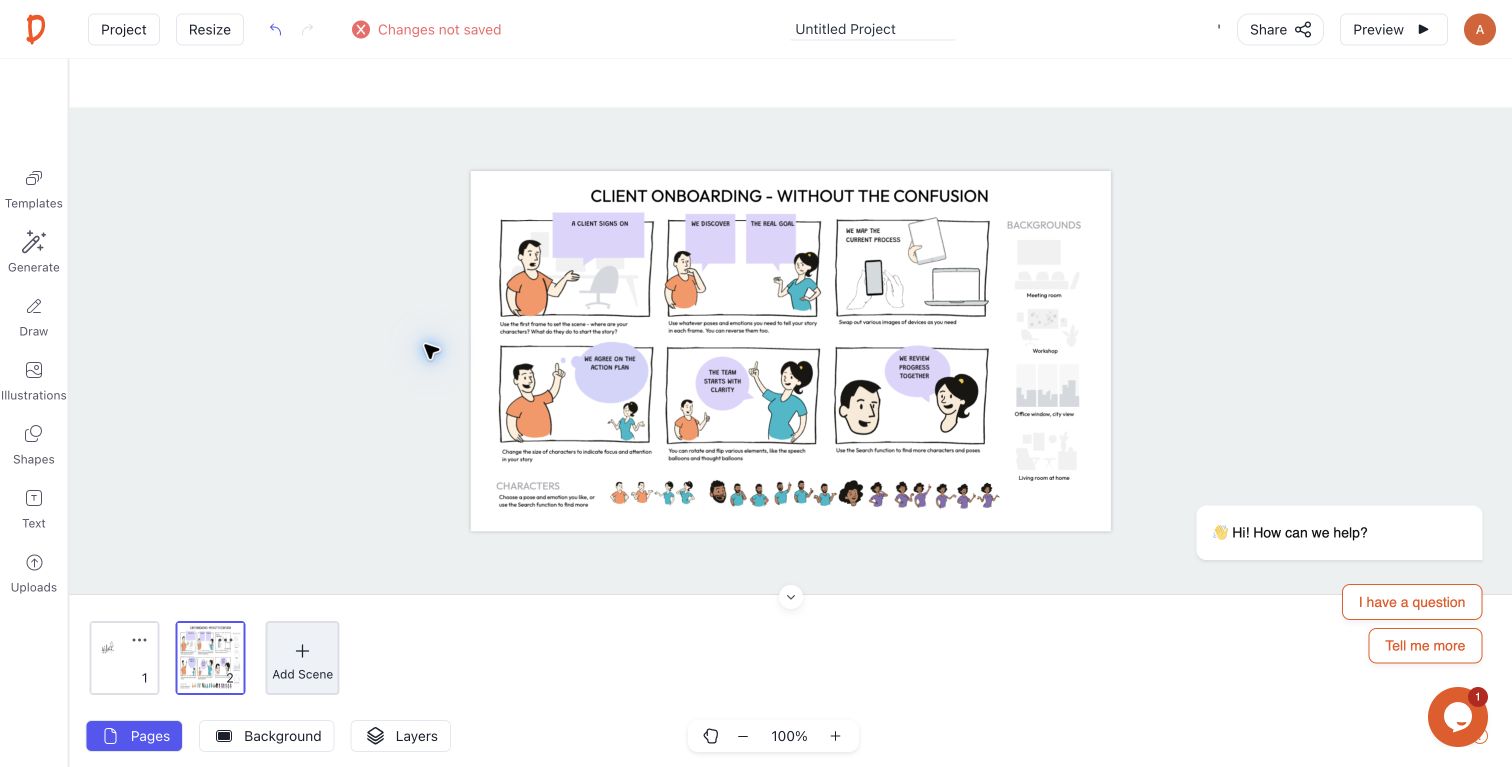
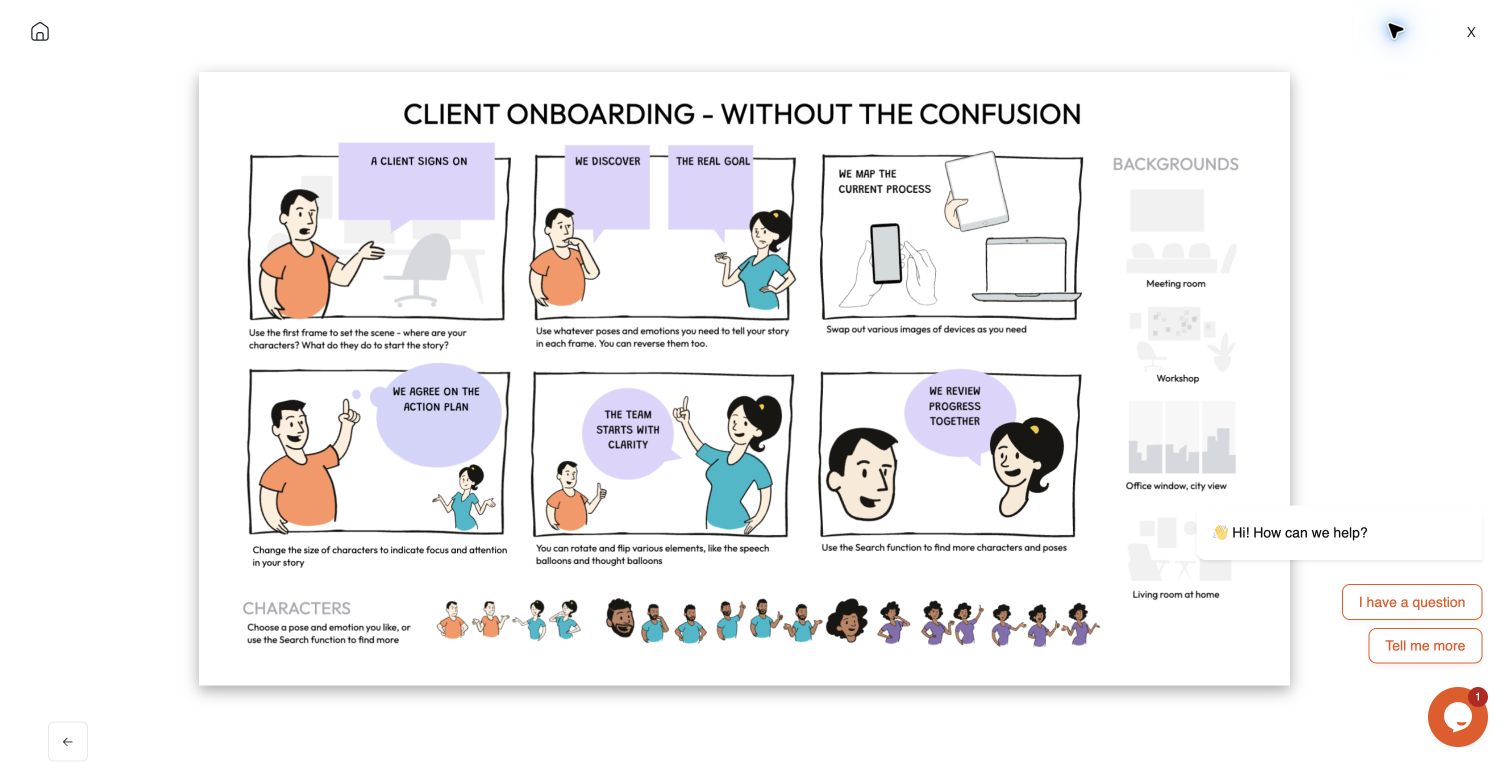
✦Maia helps shape the visual ideaReview every output before sharing
↖
DescribeShapeReviewShare
BeforeRaw thinking, notes and workshop outcomes→AfterEditable visual story people can act on
Before: raw notes“Our client onboarding needs to feel clear, human and easy to follow.”
↓
50,000+hand-drawn illustrations
120+editable templates
Fully editabletext, artwork, colours & layout
Export readyPNG, JPG & PDF
Made for people who explain
What are you
trying to make clear?
Choose the kind of work you do, then see how Drawify helps you make it clear.
Drawify in real work
Trusted by people who make
complex ideas clear.
From stakeholder conversations to visual learning, Drawify helps good thinking land.
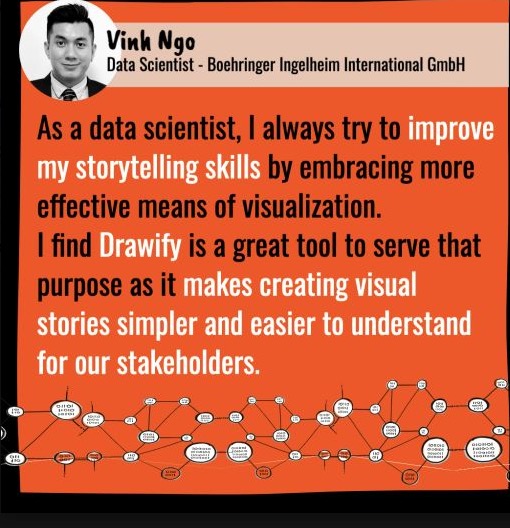
Stakeholder communication
“Drawify makes creating visual stories simpler and easier to understand for our stakeholders.”
Outcome: clearer visual stories for stakeholder communication.
Vinh NgoData Scientist · Boehringer Ingelheim International GmbH
Education
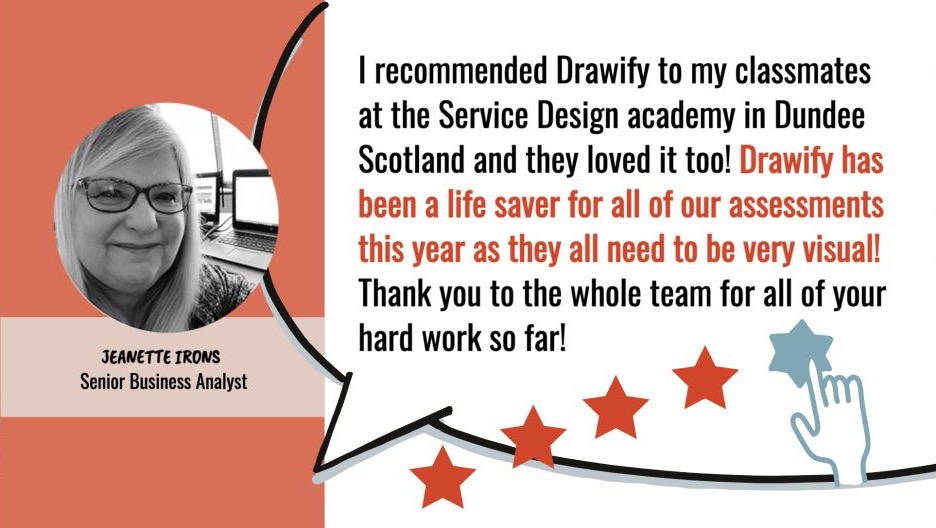
“Drawify has been a lifesaver for all of our assessments.”
Outcome: a faster, more visual way to prepare assessments.
Jeanette IronsSenior Business Analyst
How Drawify works
Turn complex information into
an eye-catching visual story.
Find hand-drawn elements, compose your story, download it and put clearer thinking to work.
1 FIND

Find
Browse templates and hand-drawn illustrations built to explain ideas clearly.
2 COMPOSE

Compose
Arrange the story, edit the words and make the visual fit your audience.
3 DOWNLOAD

Download
Export PNG, JPG or PDF, or add the visual to Miro and Google Slides.
4 SUCCEED

Make it land
Help clients, learners and teams understand the point and act on it.
Start visualising your story →
Drawify AI, powered by Maia
Turn your words into
a hand-drawn slide.
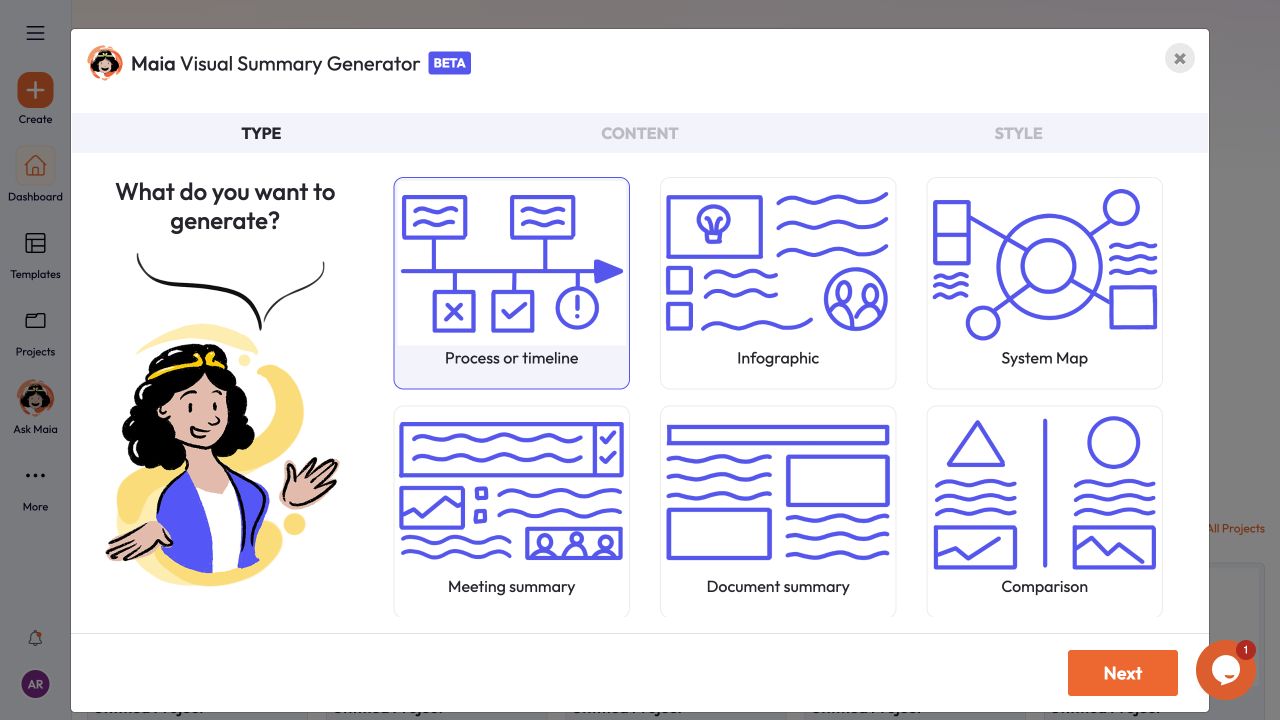
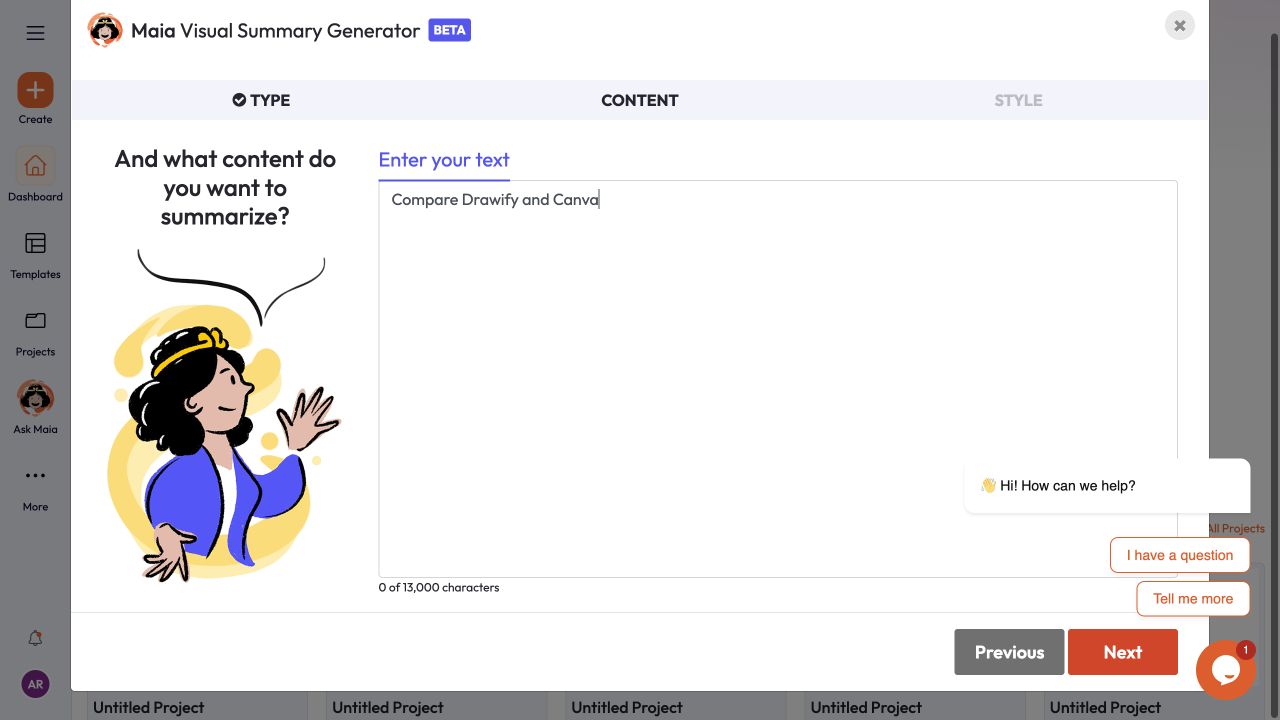
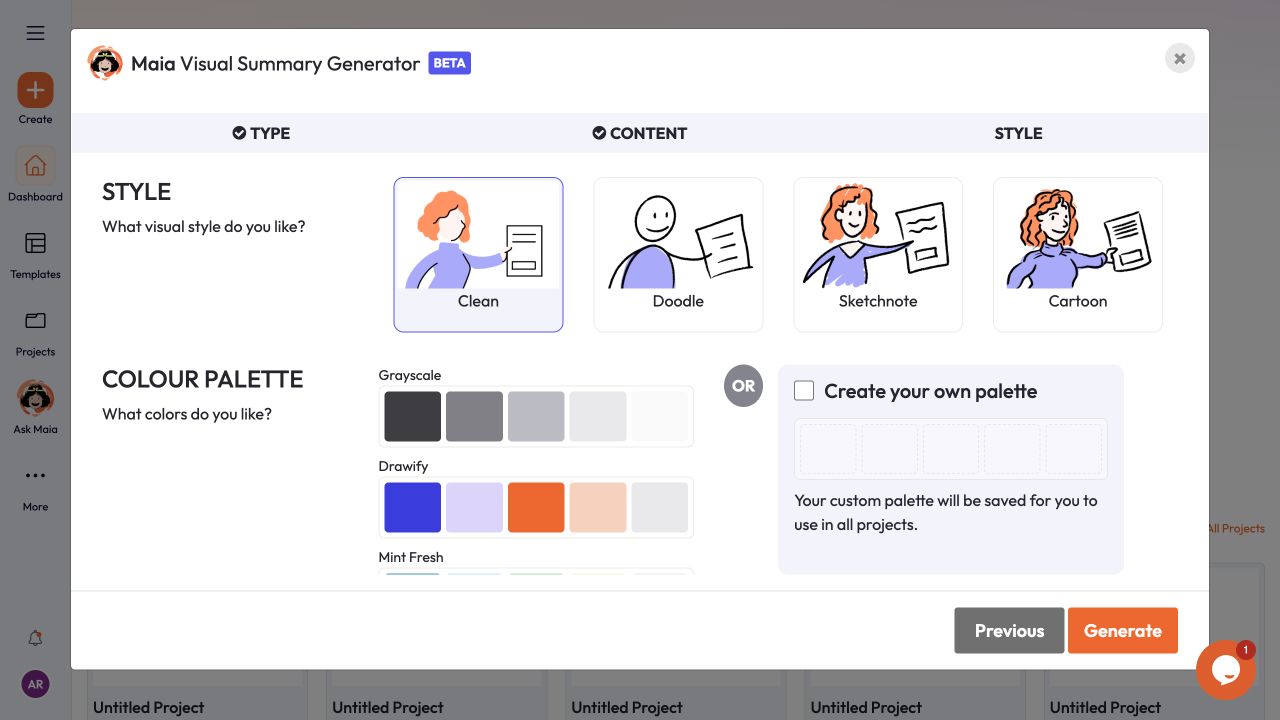
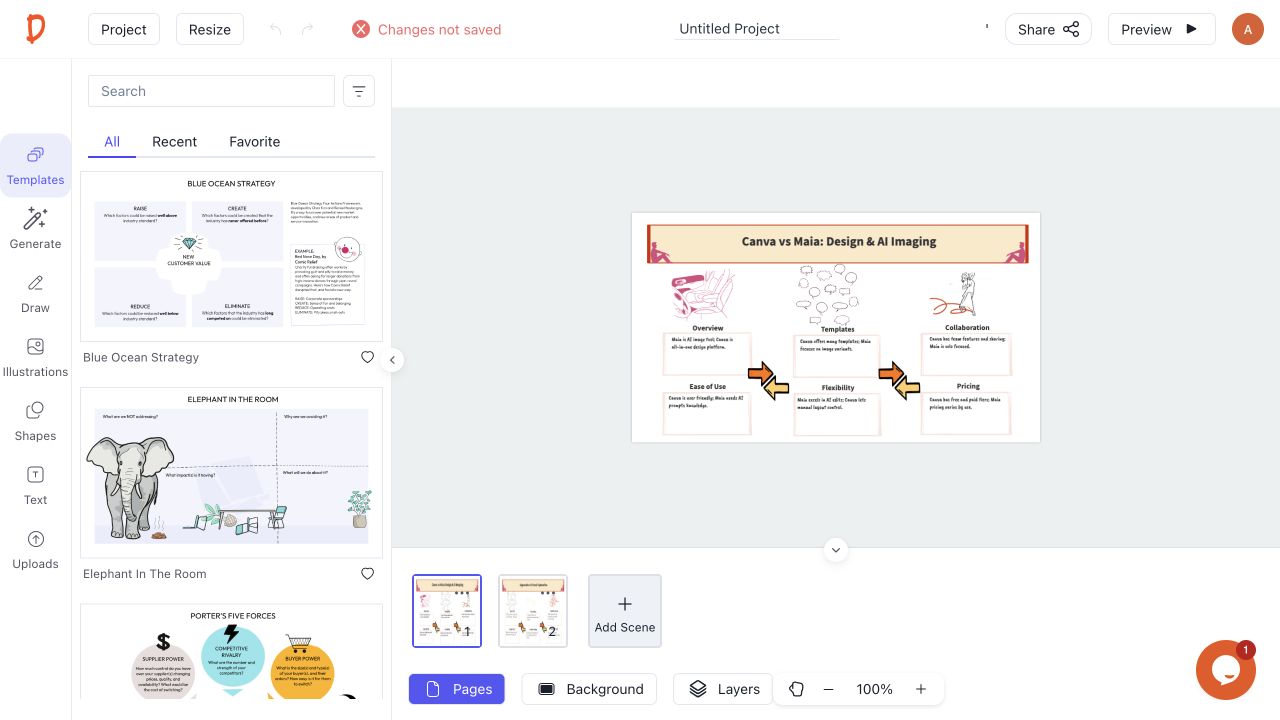
Maia lives inside Drawify. Choose a visual type, paste your text, select a hand-drawn style and colour palette, then generate an editable visual in the Drawify editor — typically in under a minute.
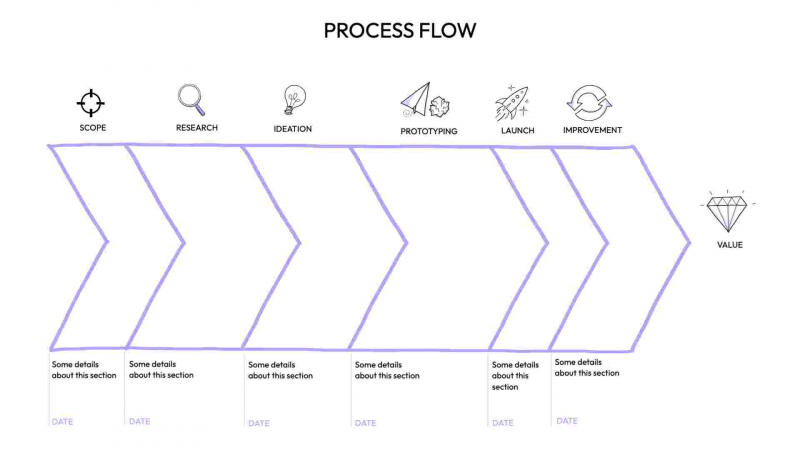
01Choose the type
Select a process, infographic, system map, meeting summary, document summary or comparison.
02Paste your content
Add your notes, meeting summary, document or other longer-form text.
03Style and generate
Choose a visual style and palette, then open the generated slide ready to edit.
See Maia working inside Drawify● Real product screens
START WITH WHAT YOU HAVE
Already know what
you want to say?
Start with a template or hand-drawn illustration, then make it yours. Use Maia when you need help turning an idea into a visual.
01Find a starting point
Choose a template or hand-drawn illustration built for your message.
02Make it yours
Edit the words, artwork, colours and layout to fit your audience.
03Share it anywhere
Download it or use it in the presentation and workshop tools you already use.
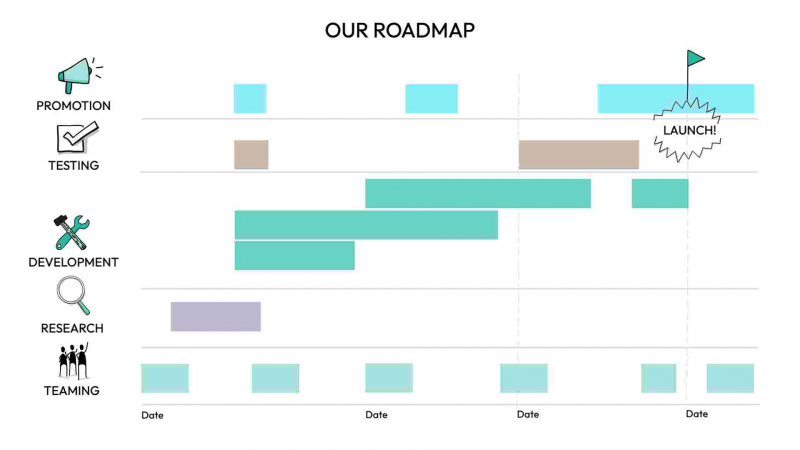
Start with a template
Pick a format.
Make it yours.
Choose a hand-drawn starting point, then edit the words, artwork, colours and layout for your work.
The Drawify difference
Clear thinking.Human character.
Drawify helps you make important ideas clear. Maia helps you begin; professional artists give every visual personality, credibility and life.
- Understands concepts and relationships
- Builds a fully editable composition
- Uses artwork created by real visual thinkers
Why human artwork matters →
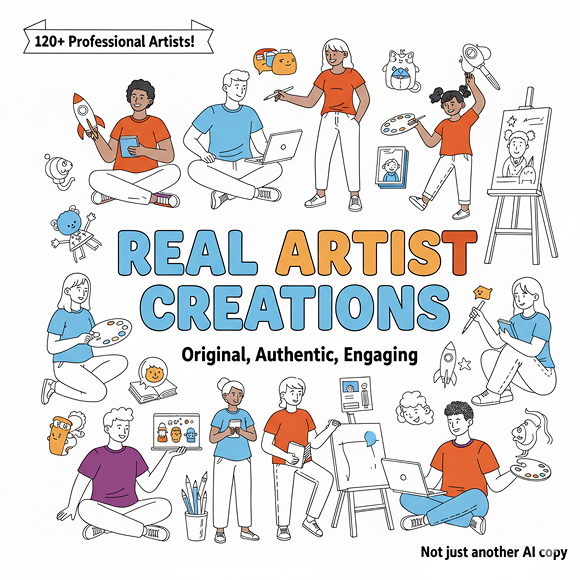
120+artists across
20+ countries
DRAWIFY MARKETPLACE
Discover a visual starting point.
Explore editable business templates made by visual thinkers and meet the artists behind the work.
What’s nextMore ways to use
Drawify are coming.
Tell us which workflow you want Drawify to support next.
Request an integration →
Coming soonJoin the list to shape what we build next
Questions, answered
Before you
start creating.
Everything you need to know before turning your next idea into a visual.
Do I need design skills?+
No. Start with an idea, a template or Maia. Drawify helps you create a professional visual without needing to draw or design.
Can I edit the result?+
Yes. Change the words, layout, colors and illustrations until the visual fits your work and your audience.
Is this just another AI image generator?+
No. Maia helps structure your thinking, while Drawify gives you an editable composition using hand-drawn artwork from professional artists.
Can I try Drawify before paying?+
Yes. Start with a 14-day free trial, with access to the full illustration library, templates and high-quality exports. No credit card is required.
Can I use Drawify visuals commercially?+
Yes, according to the license included with your plan. Paid plans provide professional business-use rights; attribution, branding and usage terms can differ by plan.
Can teams share or edit visuals?+
Drawify offers team options for organisations. Each person should use their own account; contact us to choose the right team setup and collaboration workflow.
READY WHEN YOU ARE
Make your next idea
easier to understand.
Start free and turn an important idea into a visual people can follow.
Start creating free
No credit card required.

 Miro★★★★★ 4.8/516,000+ users
 Google SlidesAdd visuals in one clickLive now



 Kenny DarmadjiDrawify artistHand-drawn visual thinking
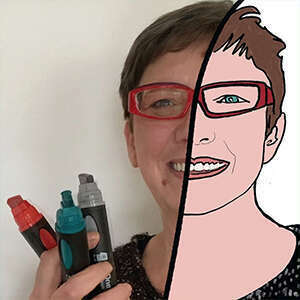 Martine VanremoorteleDrawify artistHand-drawn visual thinking
 Klára KeharovaDrawify artistHand-drawn visual thinking


